
Over-shoot, deflicker or select? Three ways to a smooth long-term time-lapse
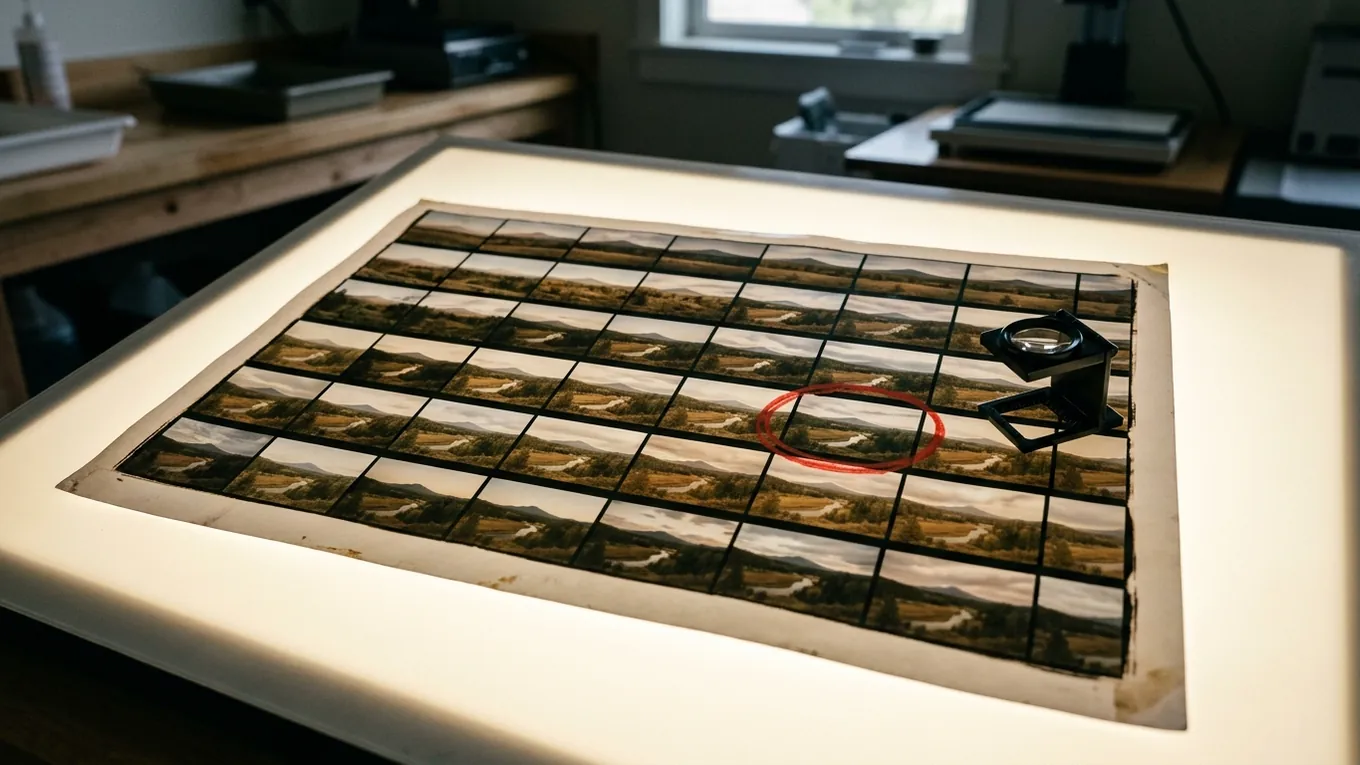
If you’ve made a long-term time-lapse, you’ve met flicker. (If not, start with why long-term time-lapses flicker.) There are three main ways to deal with it. They aren’t mutually exclusive, but each has a cost.
1. Over-shoot and cull
This is the professional’s approach. Instead of one photo a day, take one every ten or fifteen minutes. Afterwards, go through them and keep the best frame for each day. Some desktop time-lapse tools can help by filtering frames on brightness and colour, but the final call is usually made by a person.
What’s good: every frame is a real photo, and you have a genuine choice on most days.
What isn’t: it adds up quickly. One photo every ten minutes through twelve hours of daylight is 72 photos a day, or about 26,000 a year. At around 5 MB each, that’s over 130 GB to store, move and look through, all to end up with 365 frames. And 72 options a day is still a fairly small choice when the weather is changeable.
2. Deflicker in post
Shoot on a fixed schedule as normal, then run the sequence through a deflicker tool, which evens out each frame’s brightness against its neighbours.
What’s good: it’s cheap, quick and works on any footage you already have.
What isn’t: it only corrects overall brightness. A cloudy frame made brighter is still a cloudy frame, without the shadows and contrast of the sunny frames around it. Heavy correction causes visible “breathing”. And every corrected frame has had its pixels changed.
3. Choose on the device
This is the SmoothLapse approach. A small computer next to the camera, a Raspberry Pi, takes photos continuously and judges each one as it arrives against the photo kept for the previous period. Only the best candidates are kept; everything else is deleted straight away.
What’s good: the choice is enormous, with tens of thousands of photos a day instead of dozens. Storage stays close to a normal time-lapse, nobody has to sort through thousands of frames, and every frame is still a real photo.
What isn’t: it needs a computer on site rather than a camera that wakes up once a day, so it uses more power. Mains power is the easy option; a remote solar setup needs careful sizing. It also works best with long gaps between frames. At under about a minute per frame there aren’t enough photos to choose from.
Side by side
| Over-shoot and cull | Deflicker in post | Choose on the device | |
|---|---|---|---|
| Photos to choose from each day | Dozens | One | Tens of thousands |
| Storage | Large | Small | Small |
| Your time | Hours to days | Minutes | None |
| Every frame a real photo | Yes | No | Yes |
| Fixes weather and shadows | Partly | No | Mostly |
| Power needs | Low | Low | Higher |
Better together
These approaches stack. Choosing frames on the device removes most of the flicker at the source, and because the result is an ordinary image sequence, you can still run a gentle deflicker or grade afterwards. Starting from frames that already match means the software has far less to do, and far less chance of making the picture breathe.
The best fix for a bad photo is a better photo.